Photo Editing Tools (फोटो एडिटिंग टूल्स)
Selection Tools (सेलेक्शन टूल्स)
Hindi:
Selection Tools का उपयोग किसी इमेज के विशेष भाग (Specific Area) को चुनने (Select) के लिए किया जाता है। चयनित भाग पर ही Editing, Copy, Cut, Move या Effects लागू किए जा सकते हैं।
English:
Selection Tools are used to select a specific area of an image. Editing, copying, moving, and effects can be applied only to the selected area.
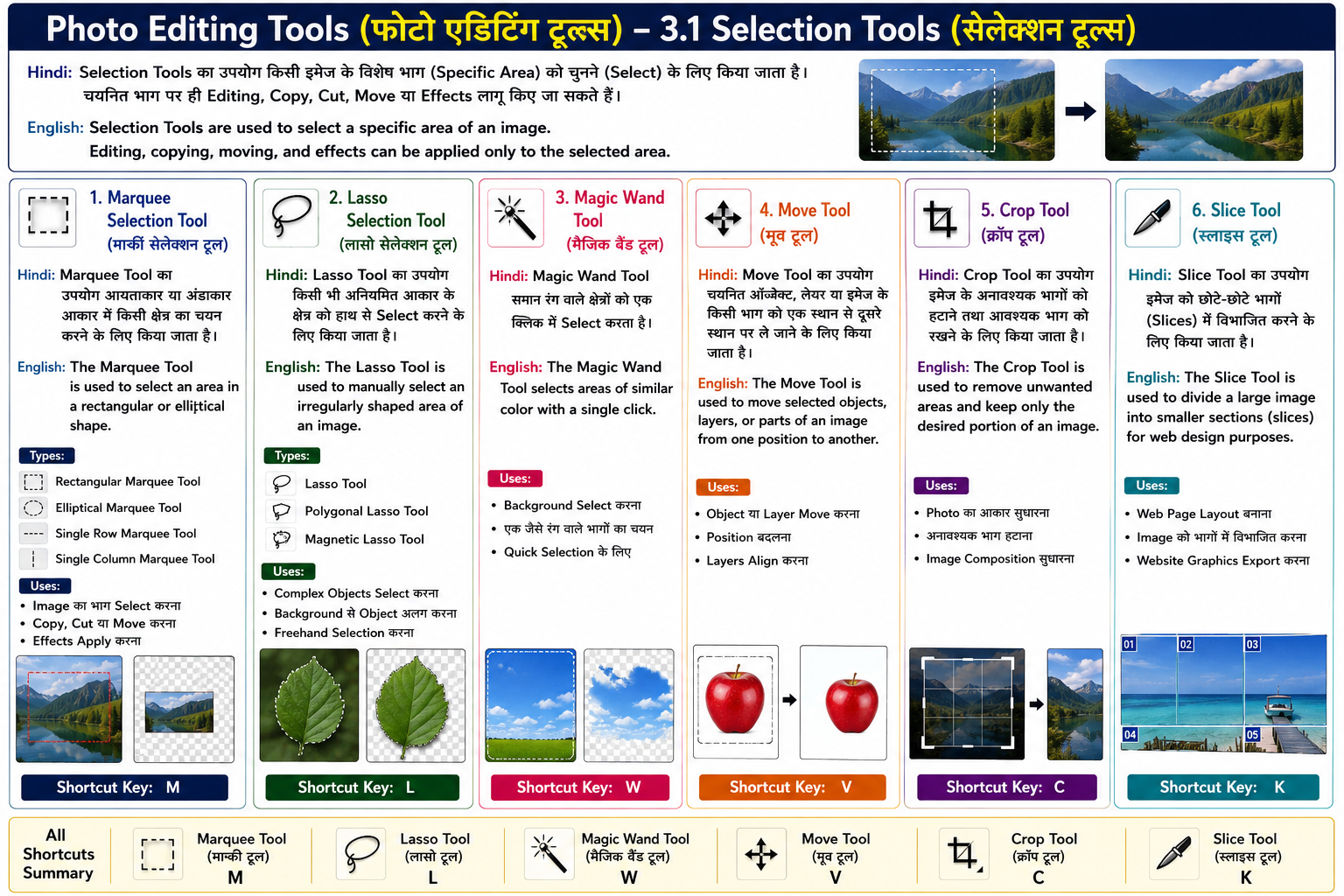
1. Marquee Selection Tool (मार्की सेलेक्शन टूल) Hindi:
Marquee Tool का उपयोग आयताकार (Rectangular) या अंडाकार (Elliptical) आकार में किसी क्षेत्र का चयन करने के लिए किया जाता है।
English:
The Marquee Tool is used to select an area in a rectangular or elliptical shape.
Types:
- Rectangular Marquee Tool
- Elliptical Marquee Tool
- Single Row Marquee Tool
- Single Column Marquee Tool
Uses:
- Image का भाग Select करना
- Copy, Cut या Move करना
- Effects Apply करना
Shortcut Key:
M
2. Lasso Selection Tool (लासो सेलेक्शन टूल) Hindi:
Lasso Tool का उपयोग किसी भी अनियमित (Irregular) आकार के क्षेत्र को हाथ से Select करने के लिए किया जाता है।
English:
The Lasso Tool is used to manually select an irregularly shaped area of an image.
Types:
- Lasso Tool
- Polygonal Lasso Tool
- Magnetic Lasso Tool
Uses:
- Complex Objects Select करना
- Background से Object अलग करना
- Freehand Selection करना
Shortcut Key:
L
3. Magic Wand Tool (मैजिक वैंड टूल) Hindi:
Magic Wand Tool समान रंग (Similar Color) वाले क्षेत्रों को एक क्लिक में Select करता है।
English:
The Magic Wand Tool selects areas of similar color with a single click.
Uses:
- Background Select करना
- एक जैसे रंग वाले भागों का चयन
- Quick Selection के लिए
Shortcut Key:
W
4. Move Tool (मूव टूल) Hindi:
Move Tool का उपयोग चयनित ऑब्जेक्ट, लेयर या इमेज के किसी भाग को एक स्थान से दूसरे स्थान पर ले जाने (Move) के लिए किया जाता है।
Shortcut Key: V English:
The Move Tool is used to move selected objects, layers, or parts of an image from one position to another.
5. Crop Tool (क्रॉप टूल) Hindi:
Crop Tool का उपयोग इमेज के अनावश्यक (Unwanted) भागों को हटाने तथा आवश्यक भाग को रखने के लिए किया जाता है।
Shortcut Key: C English:
The Crop Tool is used to remove unwanted areas and keep only the desired portion of an image.
6. Slice Tool (स्लाइस टूल) Hindi:
Slice Tool का उपयोग किसी वेब पेज या बड़ी इमेज को छोटे-छोटे भागों (Slices) में विभाजित करने के लिए किया जाता है। यह मुख्य रूप से Web Design में उपयोग किया जाता है।
Shortcut Key: K English:
The Slice Tool is used to divide a large image into smaller sections (slices) for web design purposes.