Paint & Retouch Tools (Photoshop 7.0)
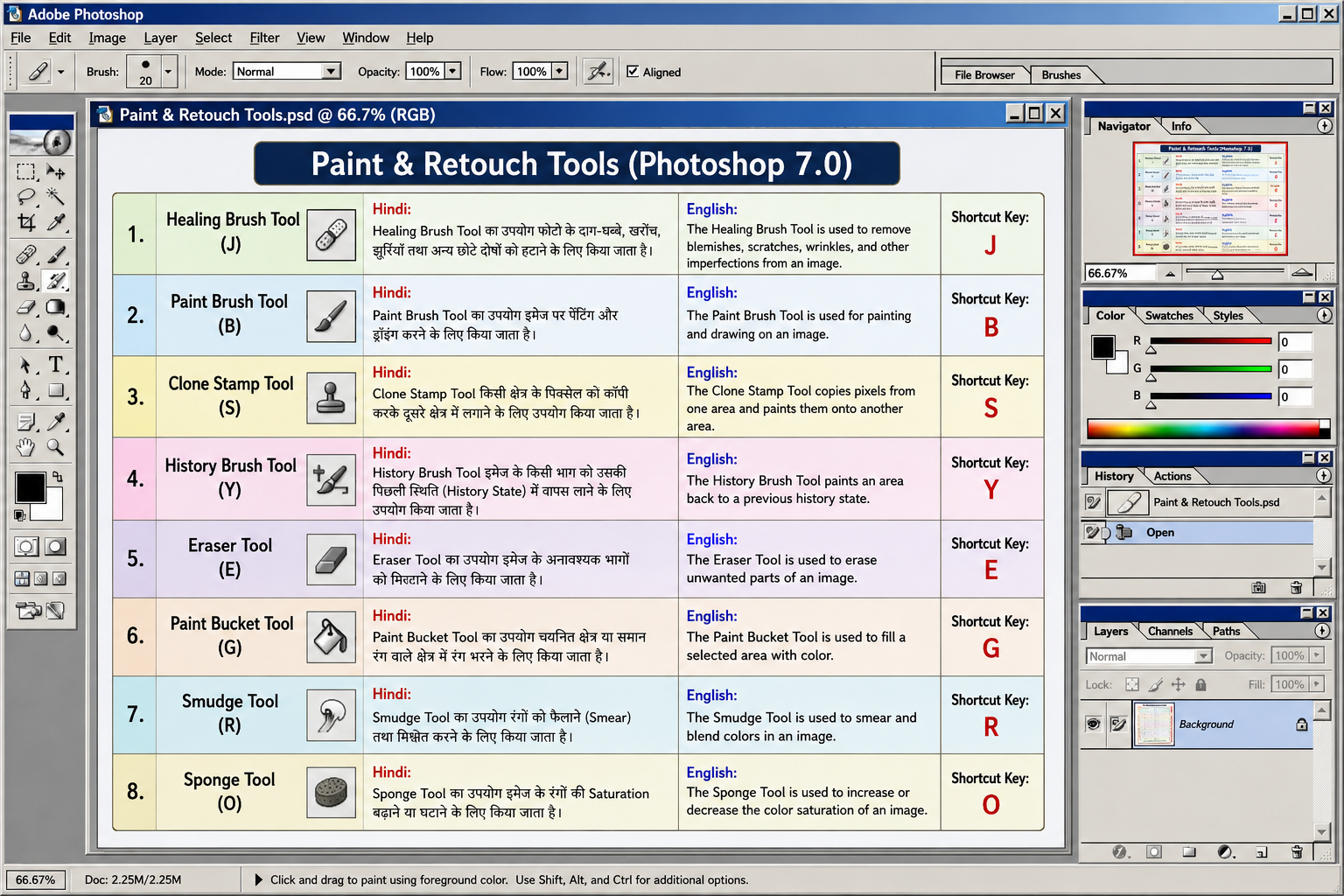
1. Healing Brush Tool (J) Hindi:
Healing Brush Tool का उपयोग फोटो के दाग-धब्बे, खरोंच, झुर्रियाँ तथा अन्य छोटे दोषों को हटाने के लिए किया जाता है।
English:
The Healing Brush Tool is used to remove blemishes, scratches, wrinkles, and other imperfections from an image.
Shortcut Key: J
2. Paint Brush Tool (B) Hindi:
Paint Brush Tool का उपयोग इमेज पर पेंटिंग और ड्रॉइंग करने के लिए किया जाता है।
English:
The Paint Brush Tool is used for painting and drawing on an image.
Shortcut Key: B
3. Clone Stamp Tool (S) Hindi:
Clone Stamp Tool किसी क्षेत्र के पिक्सेल को कॉपी करके दूसरे क्षेत्र में लगाने के लिए उपयोग किया जाता है।
English:
The Clone Stamp Tool copies pixels from one area and paints them onto another area.
Shortcut Key: S
4. History Brush Tool (Y) Hindi:
History Brush Tool इमेज के किसी भाग को उसकी पिछली स्थिति (History State) में वापस लाने के लिए उपयोग किया जाता है।
English:
The History Brush Tool paints an area back to a previous history state.
Shortcut Key: Y
5. Eraser Tool (E) Hindi:
Eraser Tool का उपयोग इमेज के अनावश्यक भागों को मिटाने के लिए किया जाता है।
English:
The Eraser Tool is used to erase unwanted parts of an image.
Shortcut Key: E
6. Paint Bucket Tool (G) Hindi:
Paint Bucket Tool का उपयोग चयनित क्षेत्र या समान रंग वाले क्षेत्र में रंग भरने के लिए किया जाता है।
English:
The Paint Bucket Tool is used to fill a selected area with color.
Shortcut Key: G
7. Smudge Tool (R) Hindi:
Smudge Tool का उपयोग रंगों को फैलाने (Smear) तथा मिश्रित करने के लिए किया जाता है।
English:
The Smudge Tool is used to smear and blend colors in an image.
Shortcut Key: R
8. Sponge Tool (O) Hindi:
Sponge Tool का उपयोग इमेज के रंगों की Saturation बढ़ाने या घटाने के लिए किया जाता है।
English:
The Sponge Tool is used to increase or decrease the color saturation of an image.
Shortcut Key: O