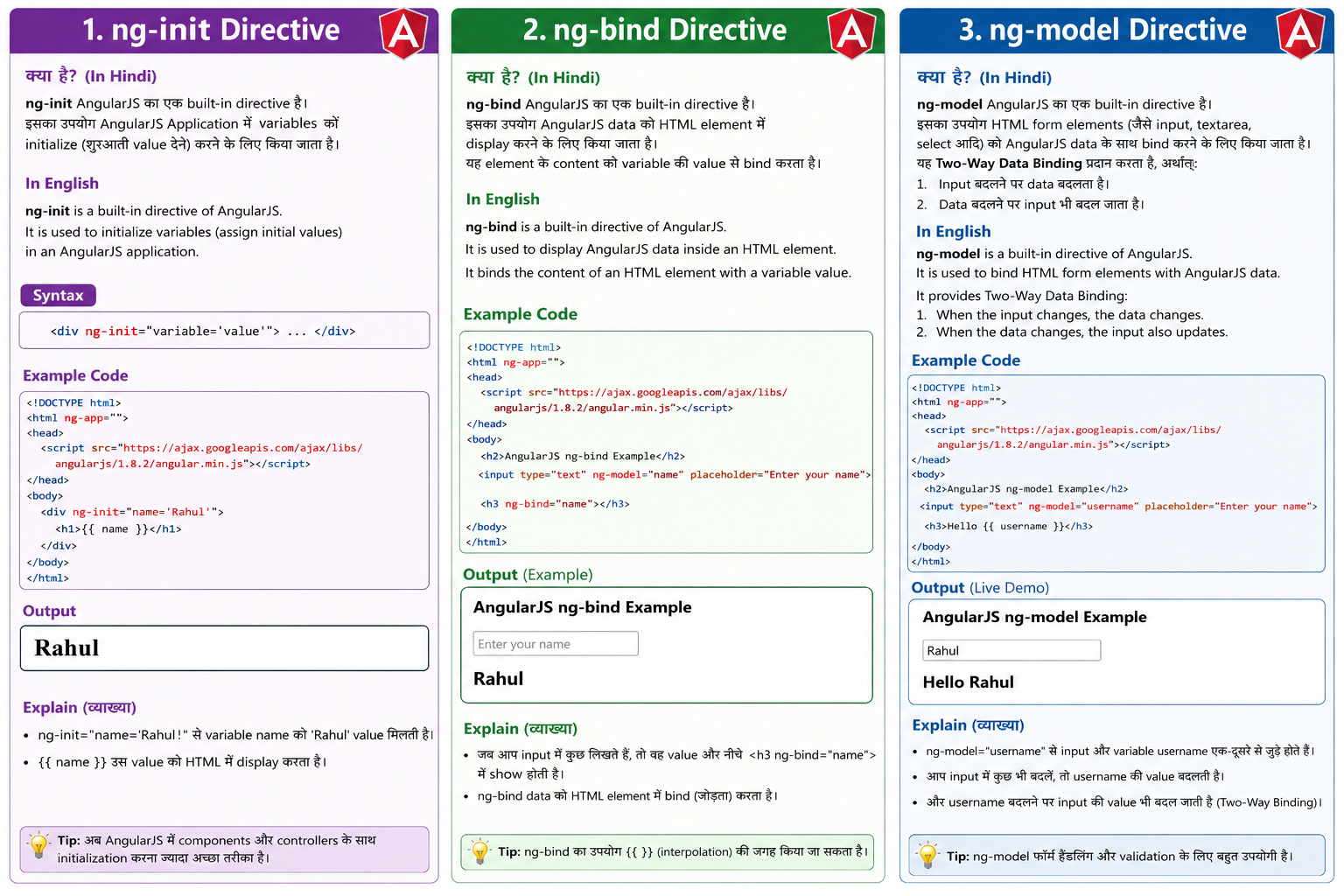
ng-init:-
ng-init AngularJS का एक built-in directive है।
इसका उपयोग AngularJS Application में variables को initialize (शुरुआती value देने) करने के लिए किया जाता है।
ng-init is a built-in directive of AngularJS.
It is used to initialize variables (assign initial values) in an AngularJS application.
Syntax:-
<div ng-init="variable='value'">
Example:-
<!DOCTYPE html>
<html ng-app="">
<head>
<script src="https://ajax.googleapis.com/ajax/libs/angularjs/1.8.2/angular.min.js"></script>
</head>
<body>
<div ng-init="name='Rahul'">
<h1>{{ name }}</h1>
</div>
</body>
</html>
Output:-
Rahul
ng-bind Directive In Hindi
ng-bind AngularJS का एक built-in directive है।
इसका उपयोग AngularJS data को HTML element में display करने के लिए किया जाता है।
यह element के content को variable की value से bind करता है।
In English
ng-bind is a built-in directive of AngularJS.
It is used to display AngularJS data inside an HTML element.
It binds the content of an HTML element with a variable value.
Example
<!DOCTYPE html>
<html ng-app="">
<head>
<script src="https://ajax.googleapis.com/ajax/libs/angularjs/1.8.2/angular.min.js"></script>
</head>
<body>
<h2>AngularJS ng-bind Example</h2>
<input type="text" ng-model="name" placeholder="Enter your name">
<h3 ng-bind="name"></h3>
</body>
</html>
ng-model Directive In Hindi
ng-model AngularJS का एक built-in directive है।
इसका उपयोग HTML form elements (जैसे input, textarea, select आदि) को AngularJS data के साथ bind करने के लिए किया जाता है।
यह Two-Way Data Binding प्रदान करता है, अर्थात्:
- Input बदलने पर data बदलता है।
- Data बदलने पर input भी बदल जाता है।
In English
ng-model is a built-in directive of AngularJS.
It is used to bind HTML form elements with AngularJS data.
It provides Two-Way Data Binding:
- When the input changes, the data changes.
- When the data changes, the input also updates.
Example:-
<!DOCTYPE html>
<html ng-app="">
<head>
<script src="https://ajax.googleapis.com/ajax/libs/angularjs/1.8.2/angular.min.js"></script>
</head>
<body>
<h2>AngularJS ng-model Example</h2>
<input type="text" ng-model="username" placeholder="Enter your name">
<h3>Hello {{ username }}</h3>
</body>
</html>