ng-checked, ng-readonly, ng-disabled
 ng-checked Directive
In Hindi
ng-checked Directive
In Hindi
ng-checked AngularJS का एक built-in directive है।
इसका उपयोग checkbox या radio button को checked करने के लिए किया जाता है।
In English
ng-checked is a built-in directive of AngularJS.
It is used to set a checkbox or radio button as checked.
Example
<!DOCTYPE html>
<html ng-app="">
<head>
<script src="https://ajax.googleapis.com/ajax/libs/angularjs/1.8.2/angular.min.js"></script>
</head>
<body>
<input type="checkbox" ng-checked="true"> I Agree
</body>
</html>
Output
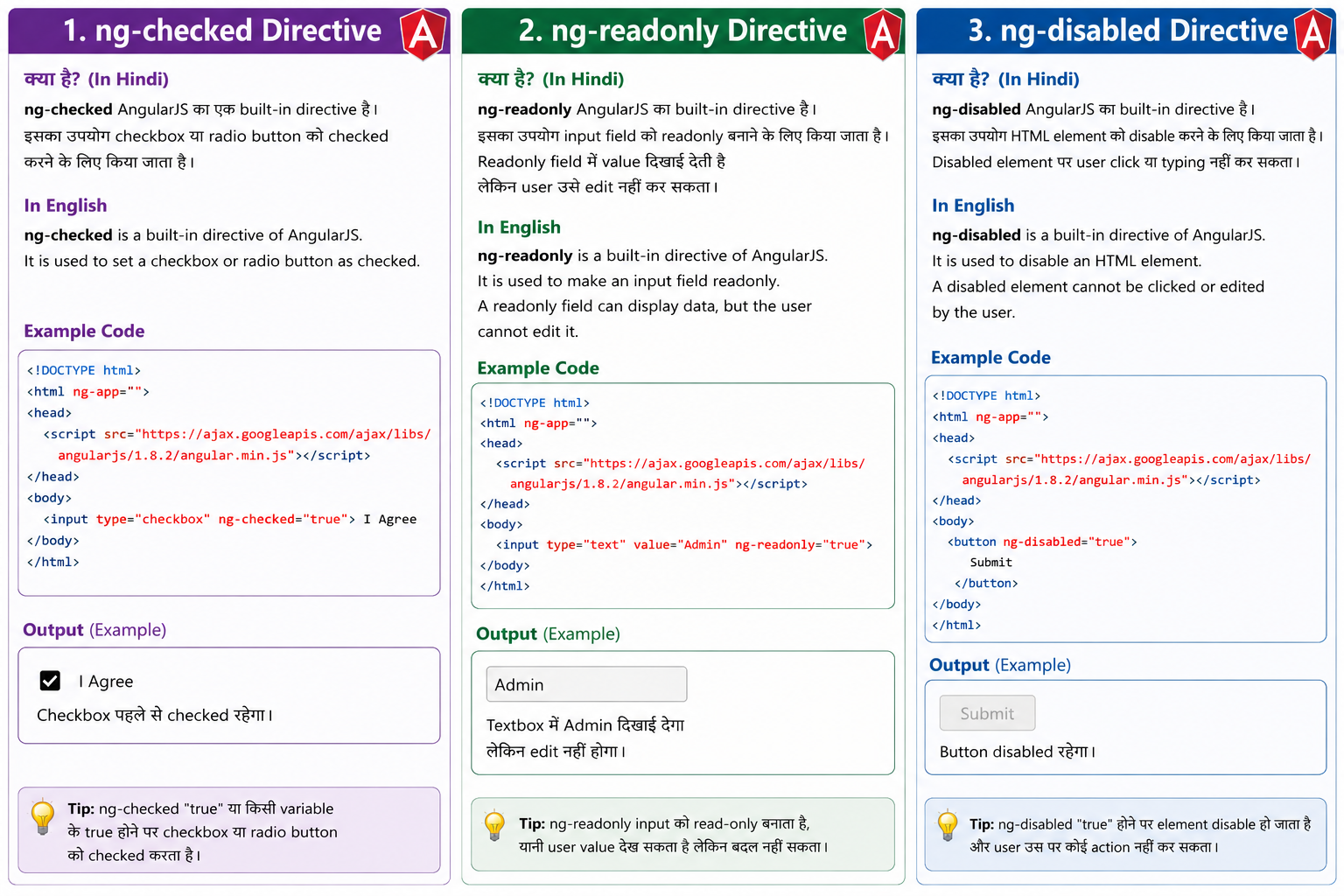
Checkbox पहले से checked रहेगा।
ng-readonly Directive In Hindi
ng-readonly AngularJS का built-in directive है।
इसका उपयोग input field को readonly बनाने के लिए किया जाता है।
Readonly field में value दिखाई देती है लेकिन user उसे edit नहीं कर सकता।
In English
ng-readonly is a built-in directive of AngularJS.
It is used to make an input field readonly.
A readonly field can display data, but the user cannot edit it.
Example
<!DOCTYPE html>
<html ng-app="">
<head>
<script src="https://ajax.googleapis.com/ajax/libs/angularjs/1.8.2/angular.min.js"></script>
</head>
<body>
<input type="text" value="Admin" ng-readonly="true">
</body>
</html>
Output
Textbox में Admin दिखाई देगा लेकिन edit नहीं होगा।
ng-disabled Directive In Hindi
ng-disabled AngularJS का built-in directive है।
इसका उपयोग HTML element को disable करने के लिए किया जाता है।
Disabled element पर user click या typing नहीं कर सकता।
In English
ng-disabled is a built-in directive of AngularJS.
It is used to disable an HTML element.
A disabled element cannot be clicked or edited by the user.
Example
<!DOCTYPE html>
<html ng-app="">
<head>
<script src="https://ajax.googleapis.com/ajax/libs/angularjs/1.8.2/angular.min.js"></script>
</head>
<body>
<button ng-disabled="true">
Submit
</button>
</body>
</html>
Output
Button disabled रहेगा।