AngularJS Expressions
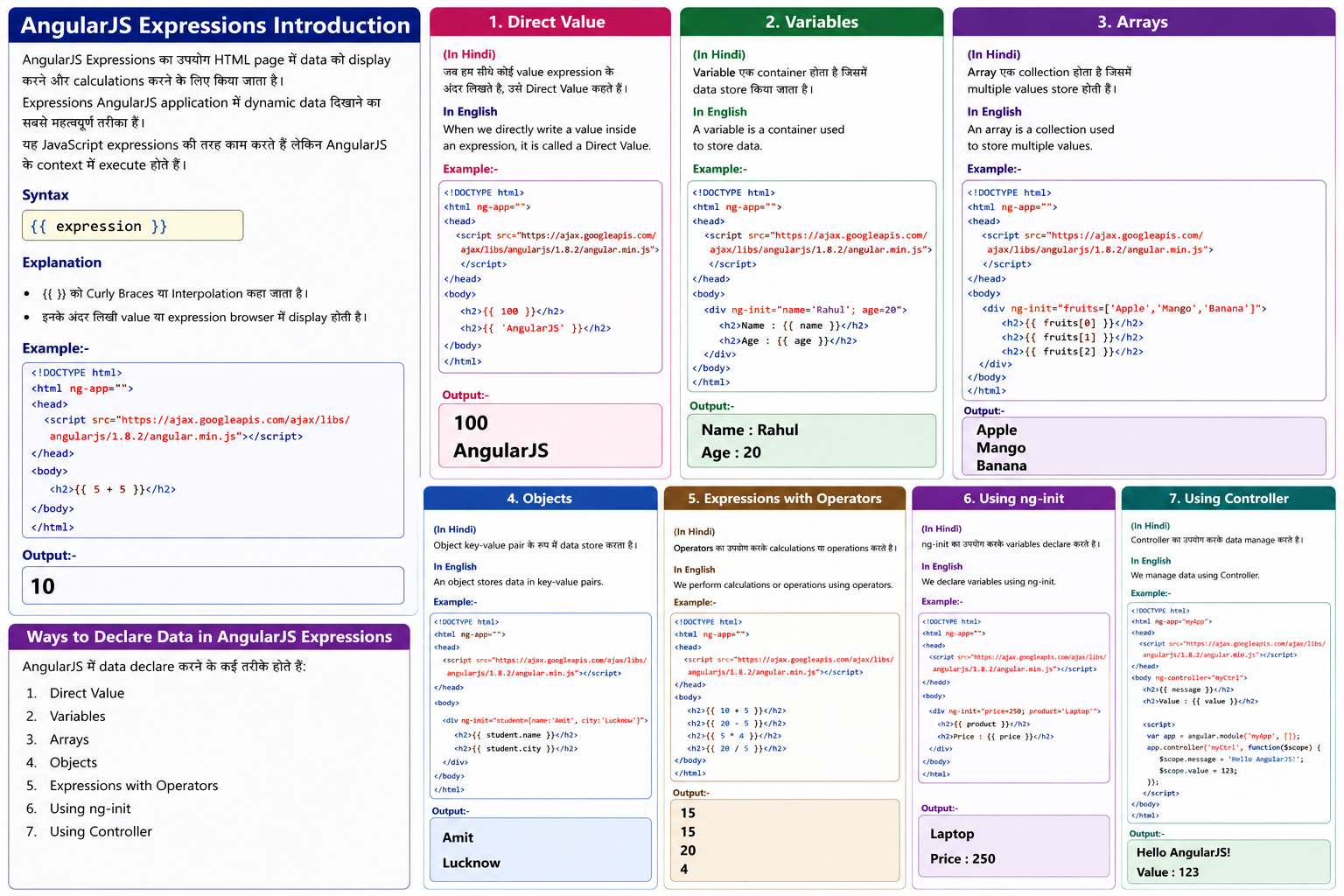
Introduction
AngularJS Expressions का उपयोग HTML page में data को display करने और calculations करने के लिए किया जाता है।
Expressions AngularJS application में dynamic data दिखाने का सबसे महत्वपूर्ण तरीका हैं।
यह JavaScript expressions की तरह काम करते हैं लेकिन AngularJS के context में execute होते हैं।
Syntax
{{ expression }}
Explanation
- {{ }} को Curly Braces या Interpolation कहा जाता है।
- इनके अंदर लिखी value या expression browser में display होती है।
Example:-
<!DOCTYPE html>
<html ng-app="">
<head>
<script src="https://ajax.googleapis.com/ajax/libs/angularjs/1.8.2/angular.min.js"></script>
</head>
<body>
<h2>{{ 5 + 5 }}</h2>
</body>
</html>
Output:-
10
Ways to Declare Data in AngularJS Expressions
AngularJS में data declare करने के कई तरीके होते हैं:
1. Direct Value
2. Variables
3. Arrays
4. Objects
5. Expressions with Operators
6. Using ng-init
7. Using Controller
1. Direct Value In Hindi
जब हम सीधे कोई value expression के अंदर लिखते हैं, उसे Direct Value कहते हैं।
In English
When we directly write a value inside an expression, it is called a Direct Value.
Example:-
<!DOCTYPE html>
<html ng-app="">
<head>
<script src="https://ajax.googleapis.com/ajax/libs/angularjs/1.8.2/angular.min.js"></script>
</head>
<body>
<h2>{{ 100 }}</h2>
<h2>{{ 'AngularJS' }}</h2>
</body>
</html>
output:-
100
AngularJS
2. Variables In Hindi
Variable एक container होता है जिसमें data store किया जाता है।
In English
A variable is a container used to store data.
Example
<!DOCTYPE html>
<html ng-app="">
<head>
<script src="https://ajax.googleapis.com/ajax/libs/angularjs/1.8.2/angular.min.js"></script>
</head>
<body>
<div ng-init="name='Rahul'; age=20">
<h2>Name : {{ name }}</h2>
<h2>Age : {{ age }}</h2>
</div>
</body>
</html>
Age : 20
Array एक collection होता है जिसमें multiple values store होती हैं।
In EnglishAn array is a collection used to store multiple values.
Example:-
<!DOCTYPE html>
<html ng-app="">
<head>
<script src="https://ajax.googleapis.com/ajax/libs/angularjs/1.8.2/angular.min.js"></script>
</head>
<body>
<div ng-init="fruits=['Apple','Mango','Banana']">
<h2>{{ fruits[0] }}</h2>
<h2>{{ fruits[1] }}</h2>
<h2>{{ fruits[2] }}</h2>
</div>
</body>
</html>
Output:-
Apple
Mango
Banana
Object key-value pair के रूप में data store करता है।
An object stores data in key-value pairs.
Example:-
<!DOCTYPE html>
<html ng-app="">
<head>
<script src="https://ajax.googleapis.com/ajax/libs/angularjs/1.8.2/angular.min.js"></script>
</head>
<body>
<div ng-init="student={name:'Amit', city:'Lucknow'}">
<h2>{{ student.name }}</h2>
<h2>{{ student.city }}</h2>
</div>
</body>
</html>
Output:-
Amit
Lucknow