Using Mouse and Changing its Properties
176 views
1 min read
Using Mouse and Changing its Properties (माउस का उपयोग और गुण बदलना)
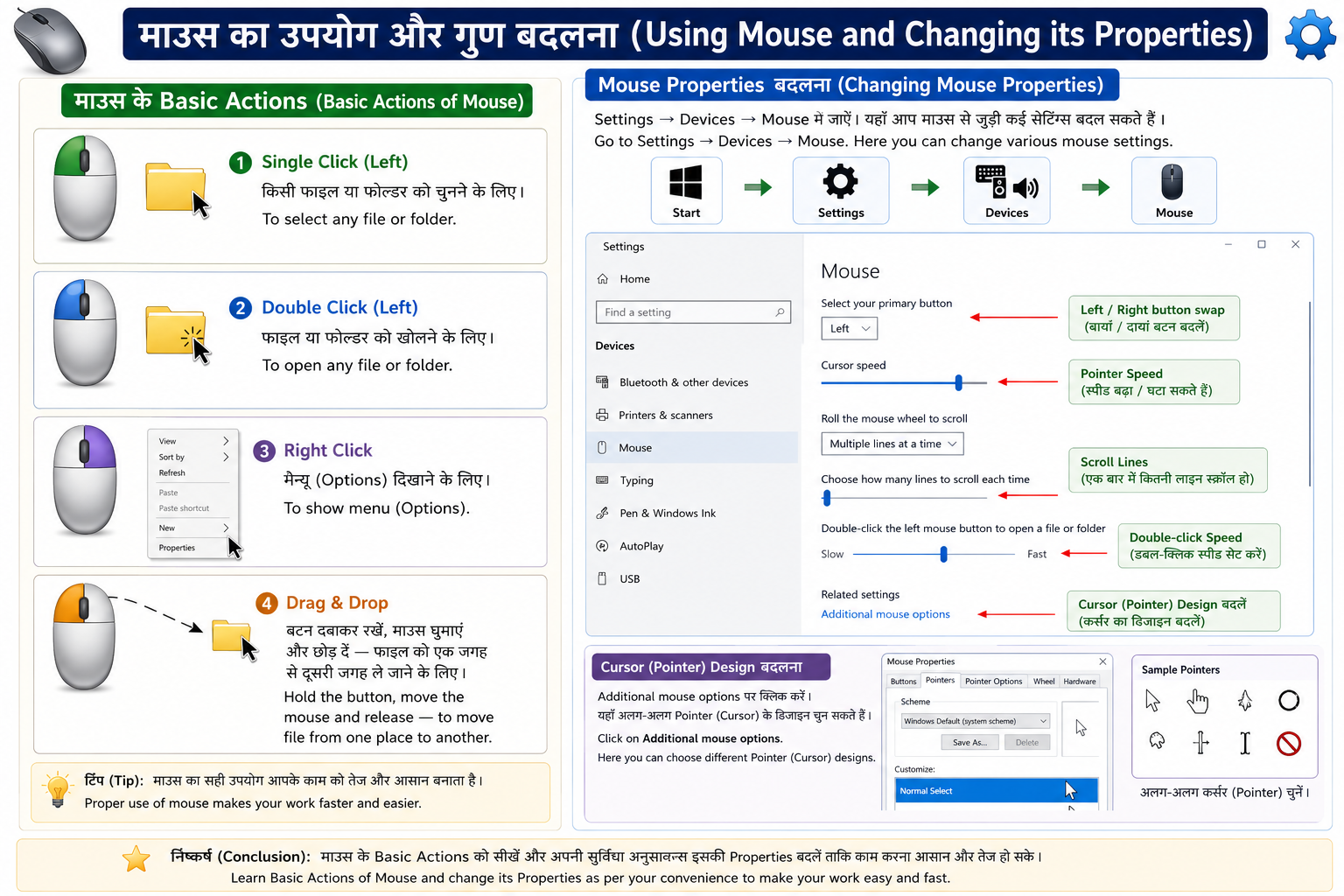
माउस के Basic Actions:
- Single Click (Left): किसी फाइल या फोल्डर को चुनने के लिए।
- Double Click (Left): फाइल या फोल्डर को खोलने के लिए।
- Right Click: मेन्यू (Options) दिखाने के लिए।
- Drag & Drop: बटन दबाकर रखें, माउस घुमाएं और छोड़ दें — फाइल को एक जगह से दूसरी जगह ले जाने के लिए।
Mouse Properties बदलना: Settings → Devices → Mouse में जाएं। यहाँ आप Left/Right button swap कर सकते हैं, Pointer Speed बढ़ा-घटा सकते हैं, Double-click speed सेट कर सकते हैं और Cursor (Pointer) का डिजाइन भी बदल सकते हैं।
English Explanation: Basic Actions of Mouse:
- Single Click (Left): To select any file or folder.
- Double Click (Left): To open any file or folder.
- Right Click: To show menu (Options).
- Drag & Drop: Hold the button, move the mouse and release — to move file from one place to another.
Changing Mouse Properties: Go to Settings → Devices → Mouse. Here you can swap Left/Right button, increase or decrease Pointer Speed, set Double-click speed and also change Cursor (Pointer) design.