Operating System Simple Settings
102 views
1 min read
Operating System Simple Settings (OS की सामान्य सेटिंग्स)
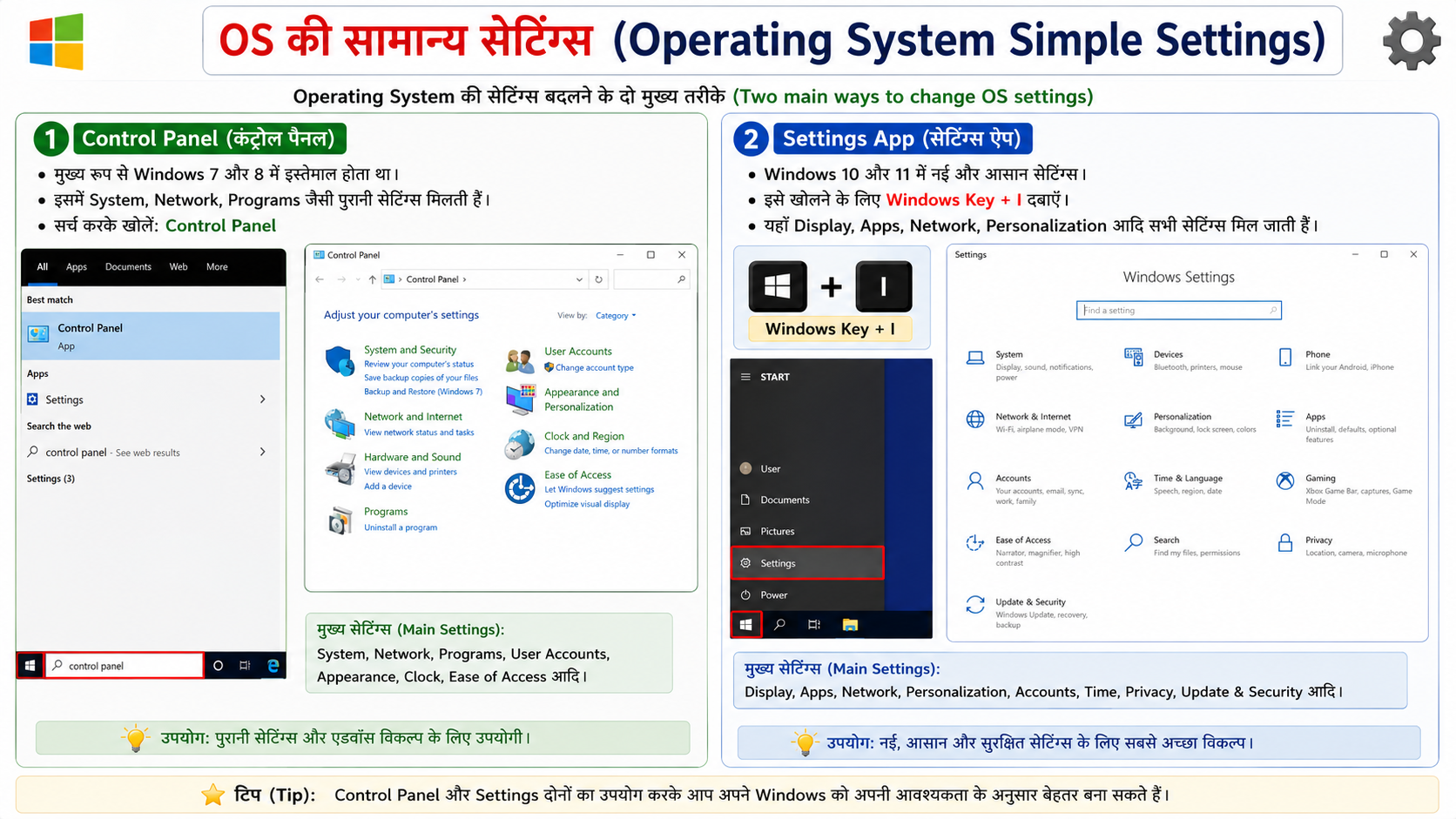
Operating System की सेटिंग्स बदलने के दो मुख्य तरीके हैं:
- Control Panel: मुख्य रूप से Windows 7 और 8 में इस्तेमाल होता था। इसमें System, Network, Programs जैसी पुरानी सेटिंग्स मिलती हैं। सर्च करके खोलें।
- Settings App: Windows 10 और 11 में नई और आसान सेटिंग्स। इसे खोलने के लिए Windows Key + I दबाएं। यहाँ Display, Apps, Network, Personalization आदि सभी सेटिंग्स आसानी से मिल जाती हैं।
English Explanation: There are two main ways to change Operating System settings:
- Control Panel: It was mainly used in Windows 7 and 8. You get old settings like System, Network, Programs etc. Open it by searching.
- Settings App: New and easy settings in Windows 10 and 11. Press Windows Key + I to open it. Here you can easily find all settings like Display, Apps, Network, Personalization etc.